KinVault: A Family Tree That Never Leaves Your Phone
A privacy-first, fully offline family tree app with no accounts, no server, no analytics.
At a glance
- What: KinVault, a family tree app for Android that works fully offline. Every name, date, photo, and relationship stays on the phone.
- My role: Solo product builder. I scoped the product and wrote the specs; AI coding agents wrote most of the code under a spec-and-verify discipline (the full story of that workflow is in the CapyInn case study).
- Stack: Flutter · Riverpod · SQLite.
- Status: Live on Google Play, v1.1.3.
- Timeline: Built and shipped in 2026.
Context
Family lineage is serious business in Vietnamese culture. Death anniversaries are observed by name, generation, every year. Kinship carries its own hierarchy: the language itself has different words for an older sibling versus a younger one, a paternal aunt versus a maternal one. Extended families run to four generations and dozens of people, and everyone is expected to know how everyone else is related.
That makes a family tree an unusually sensitive dataset: names, birthdays, relationships, and photos of an entire extended family, including people who were never asked and never consented to having an account made about them. Most family-tree apps I looked at handle that by putting it behind a sign-up flow and a subscription, on a server that isn't yours.
The one design rule
KinVault has exactly one founding constraint: the data never leaves the phone. No accounts, no server, no analytics.
Everything else in the app derives from that sentence. The tree lives in a SQLite database on the device. Backups are files the user holds, not a cloud sync. Nothing phones home — the app has no idea who's using it, and it isn't built to find out.
Product walkthrough
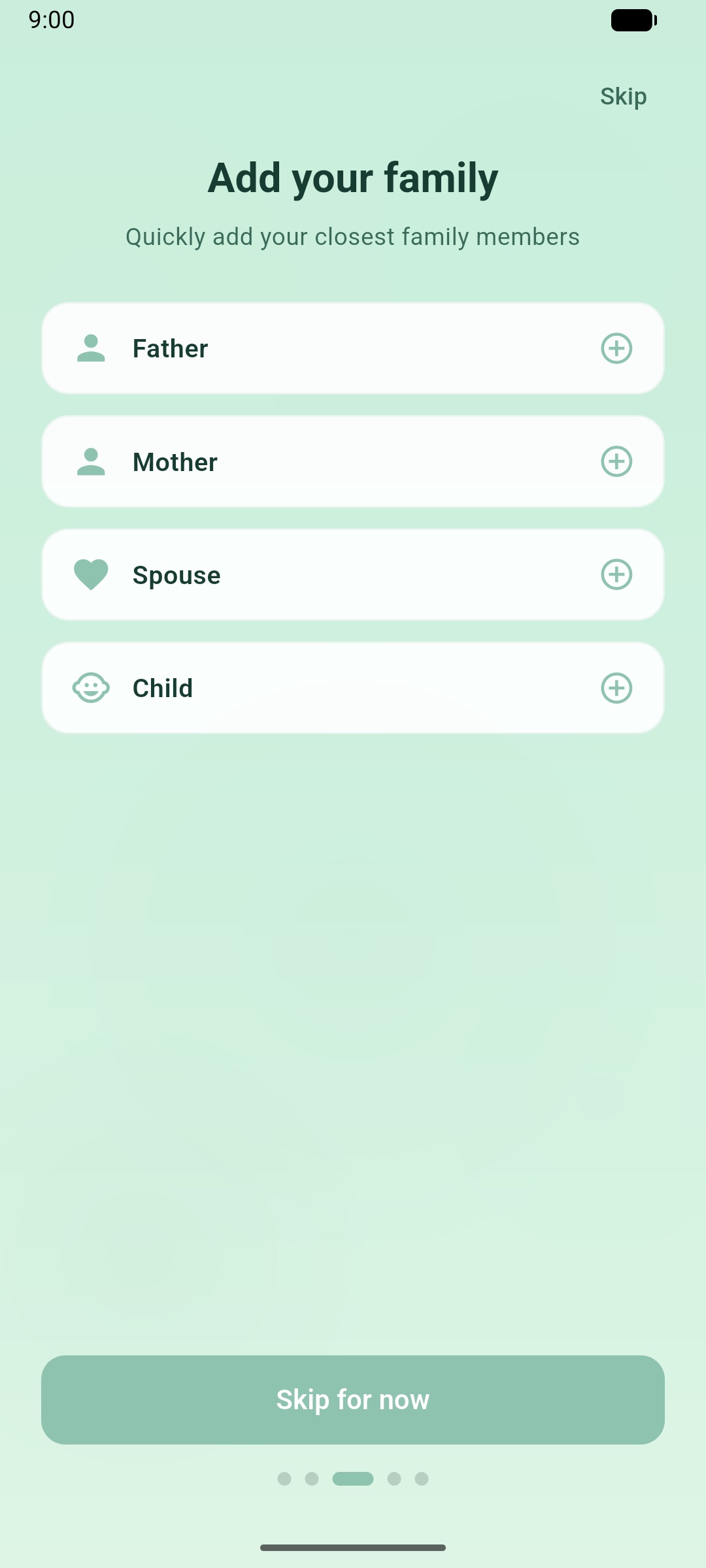
Starting from zero, onboarding walks through a quick family builder rather than an empty canvas and a blinking cursor.
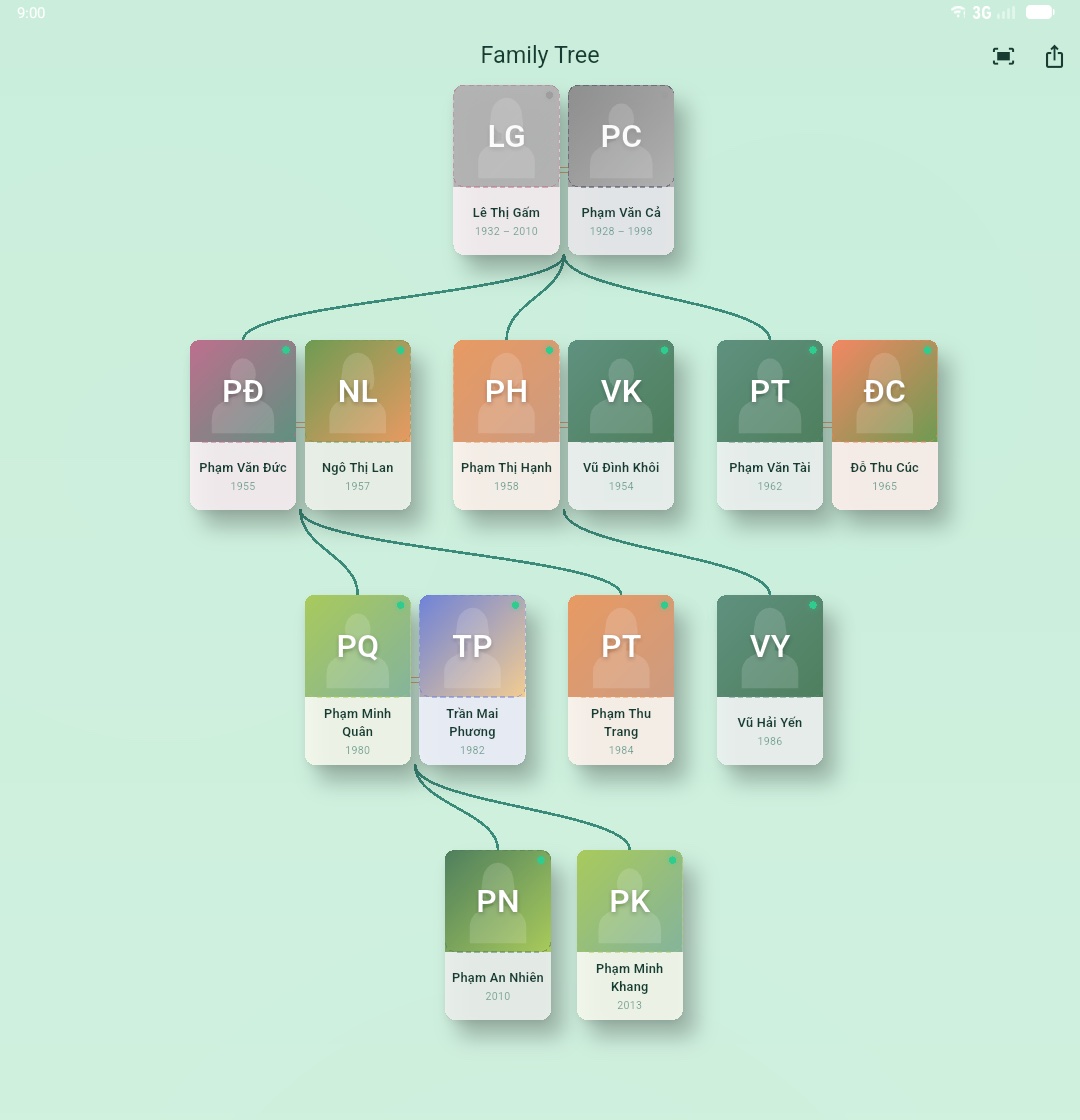
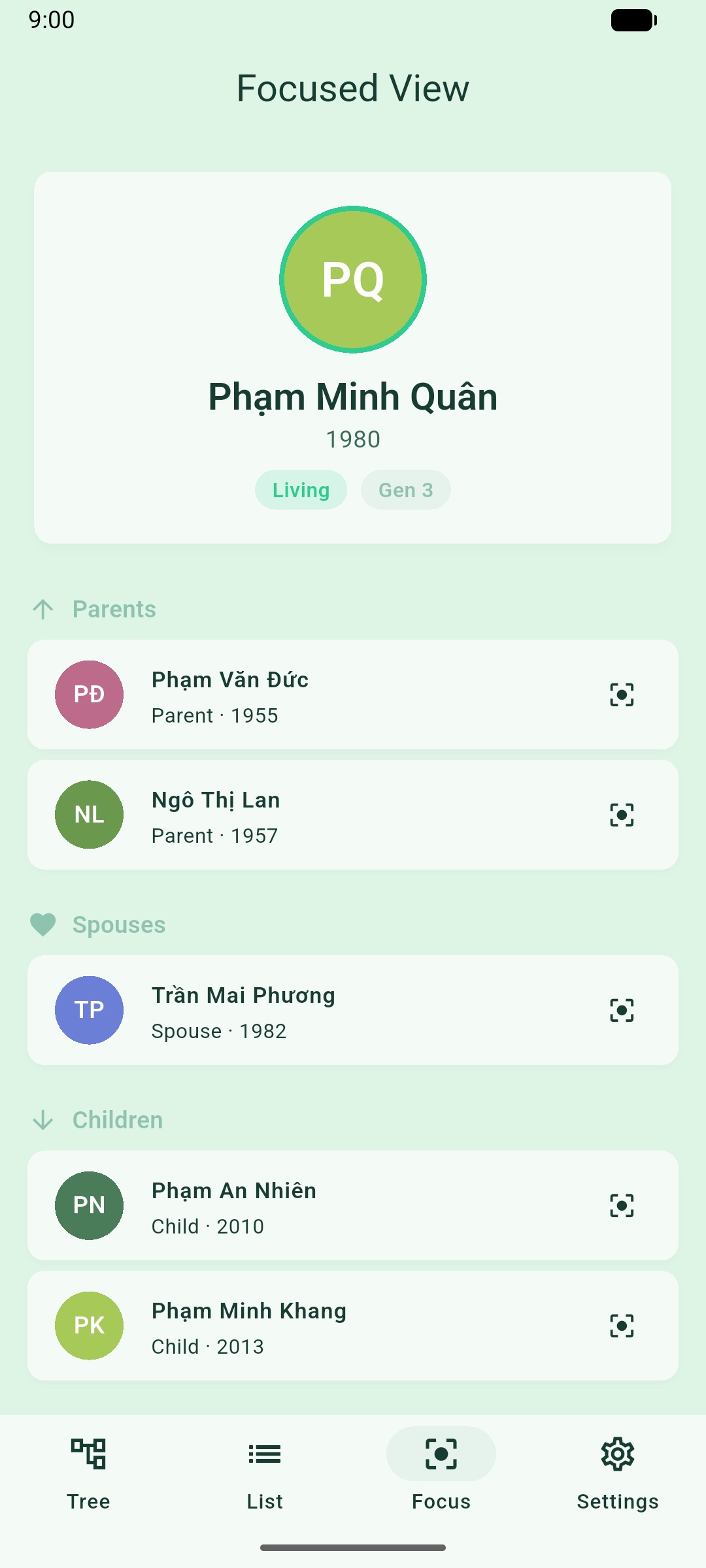
From the full tree, tapping a person drops into a focused view centered on them: parents, spouse, and children, one hop out, without the rest of the tree crowding the screen.
Each person has a detail screen: name, dates, and (where it applies) a lifespan and a "Deceased" badge, plus a free-form notes field for anything else worth recording.
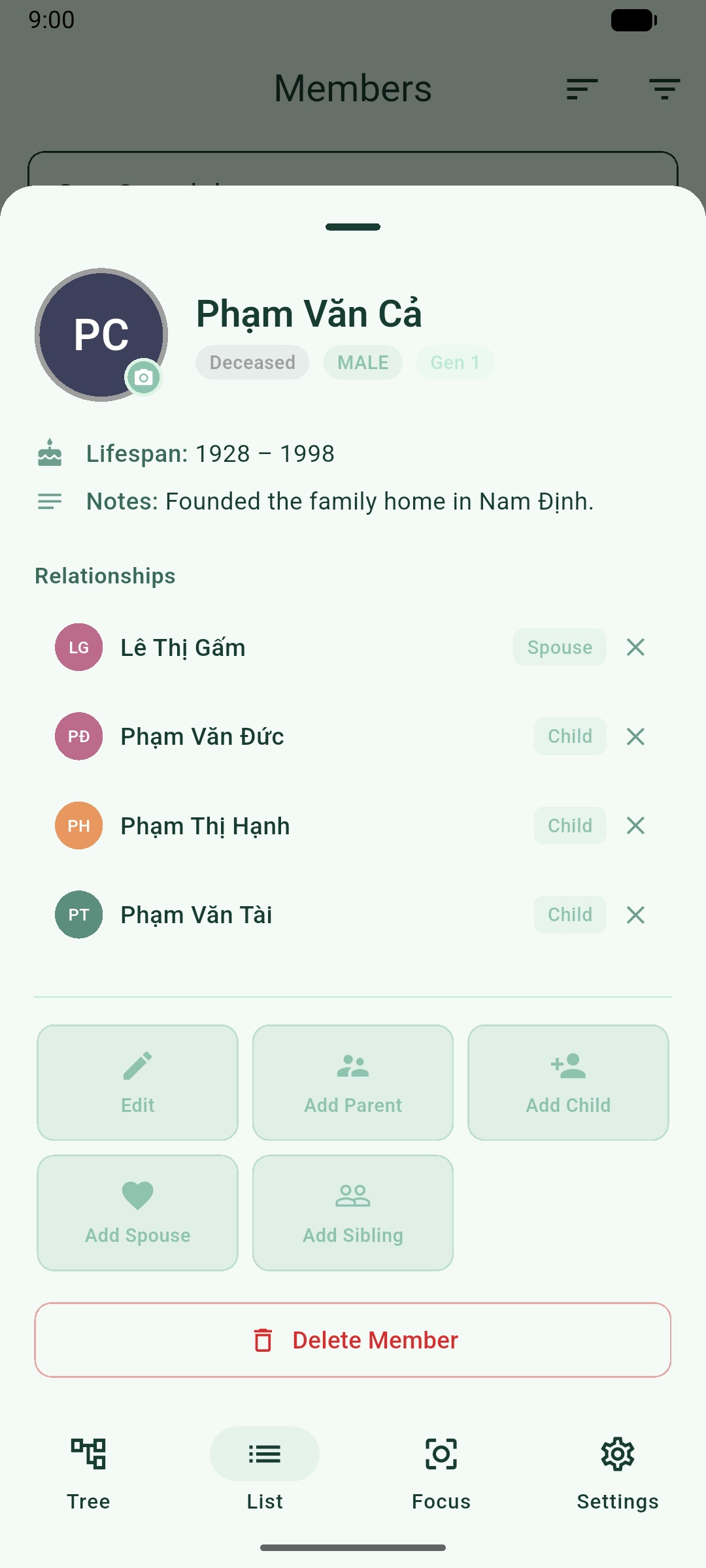
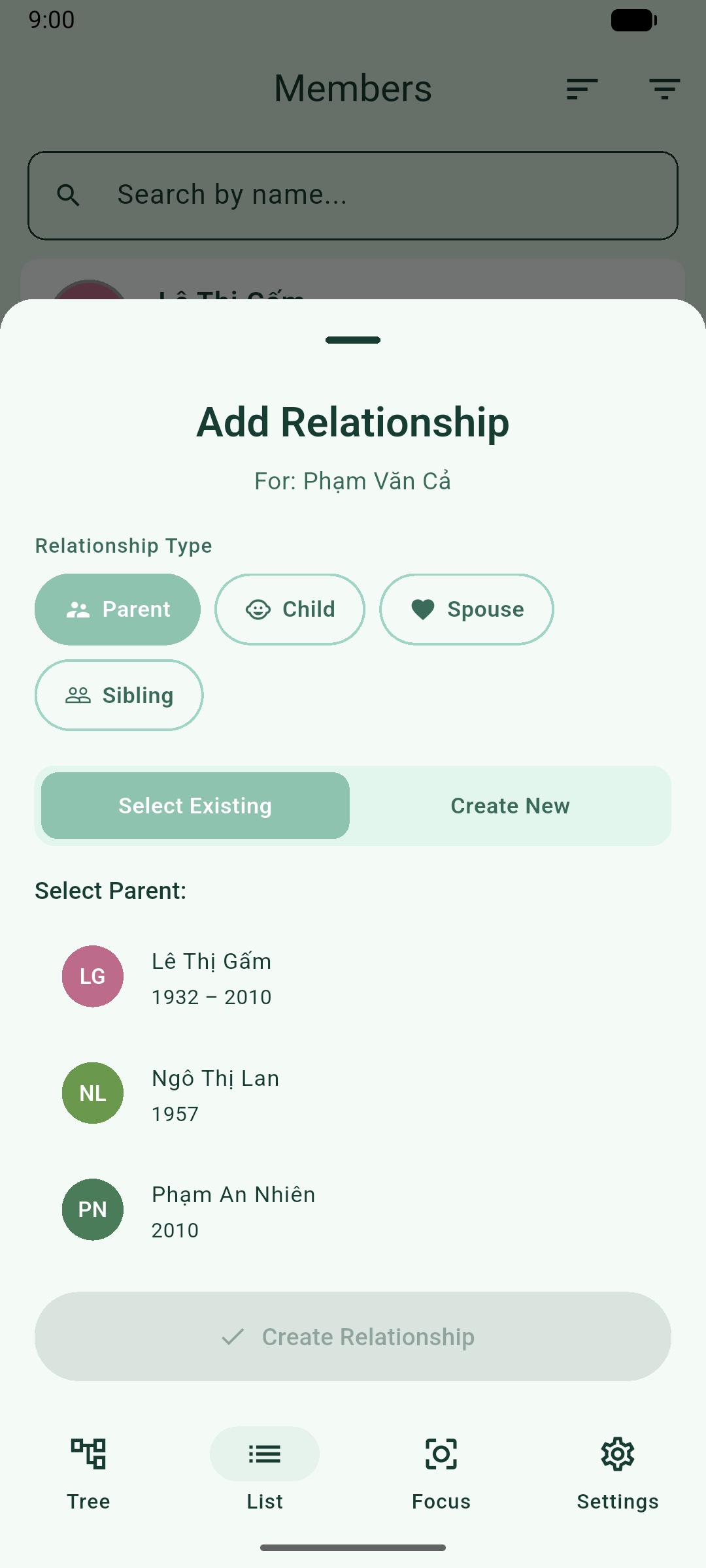
Adding someone new means placing them relative to a person who already exists (marriage, child, sibling) through a relationship sheet, rather than dropping a floating node onto a canvas. (The kinship model underneath is where the Vietnamese-specific structure lives; more on that below.)
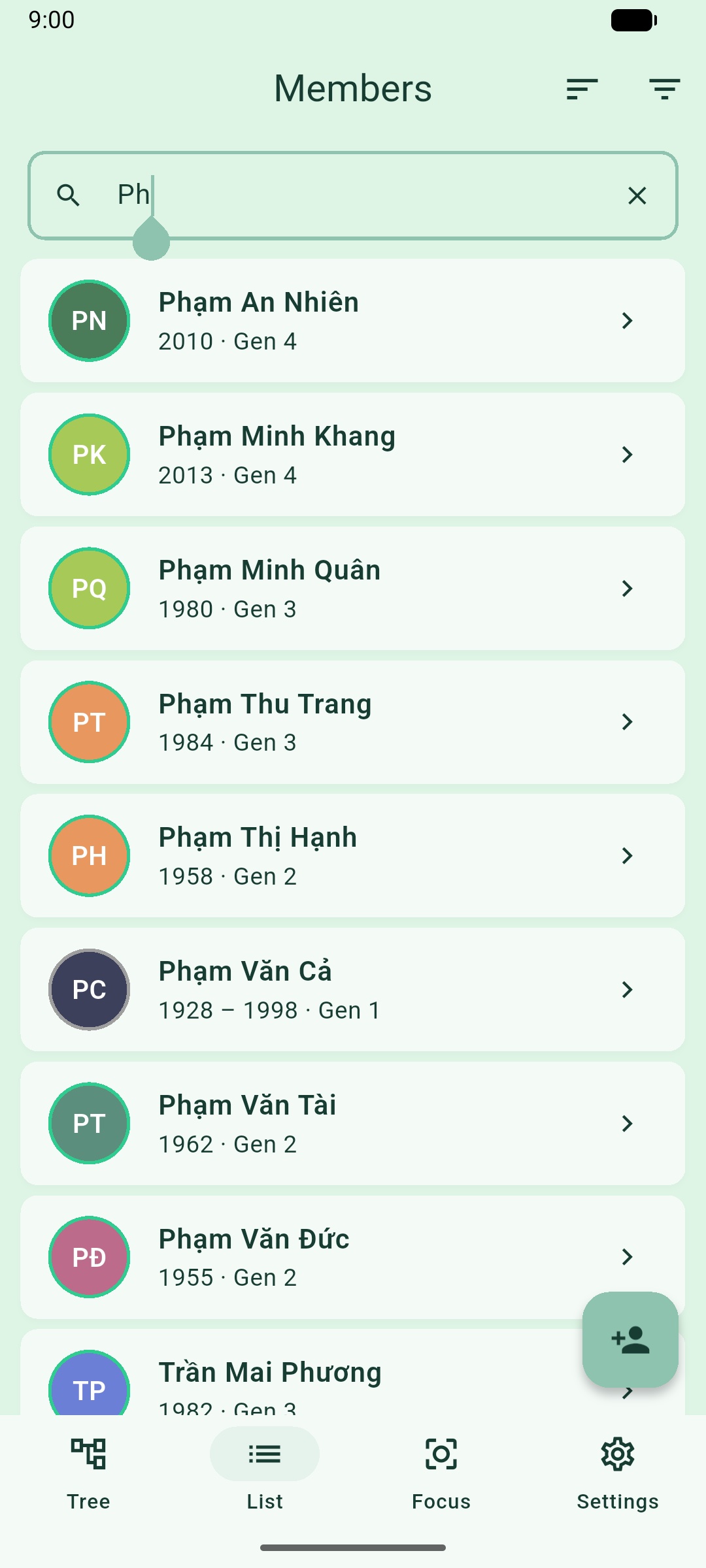
For a family of any size, scrolling the tree to find one person stops being practical, so there's a flat, searchable list alongside the canvas.
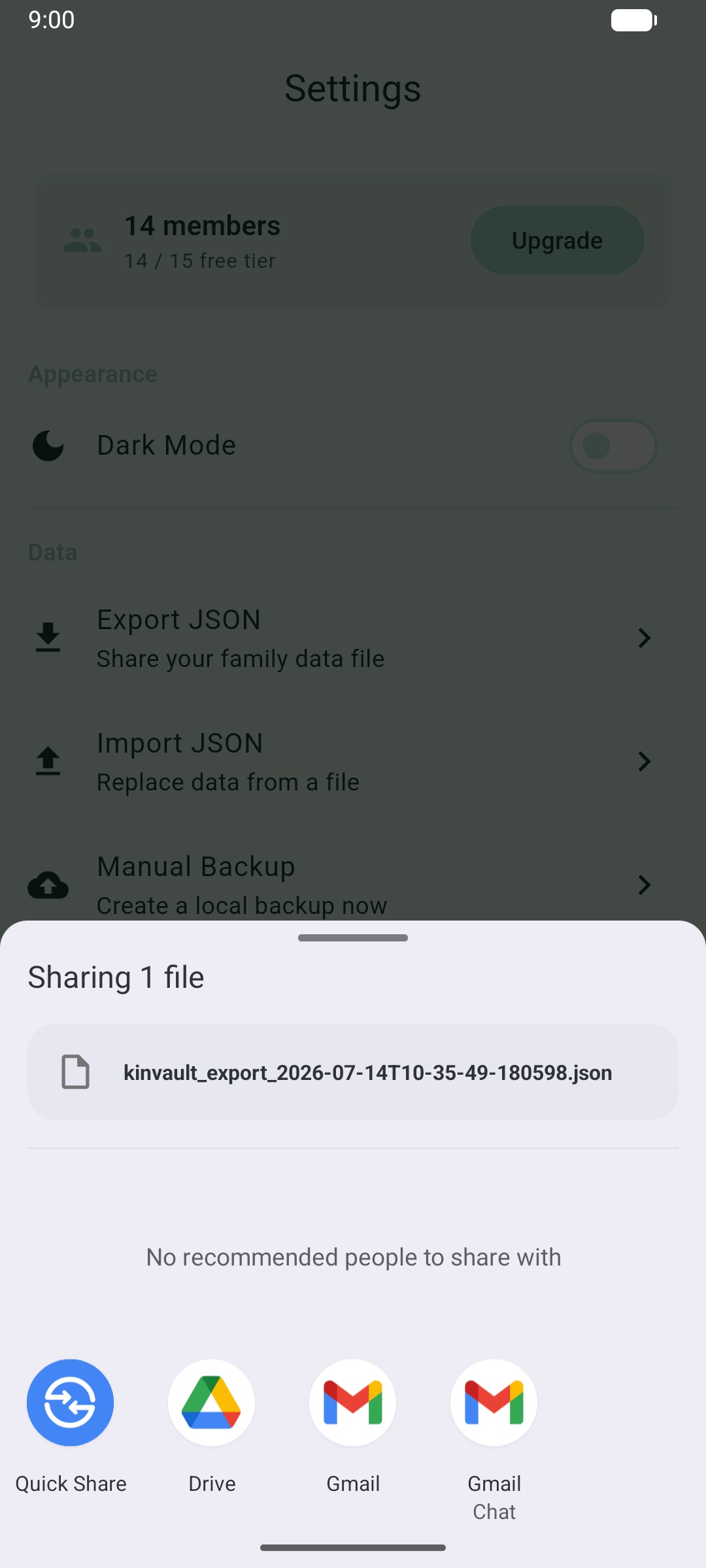
Export turns the whole tree into a file the user keeps, the mechanism behind both sharing a tree and backing it up.
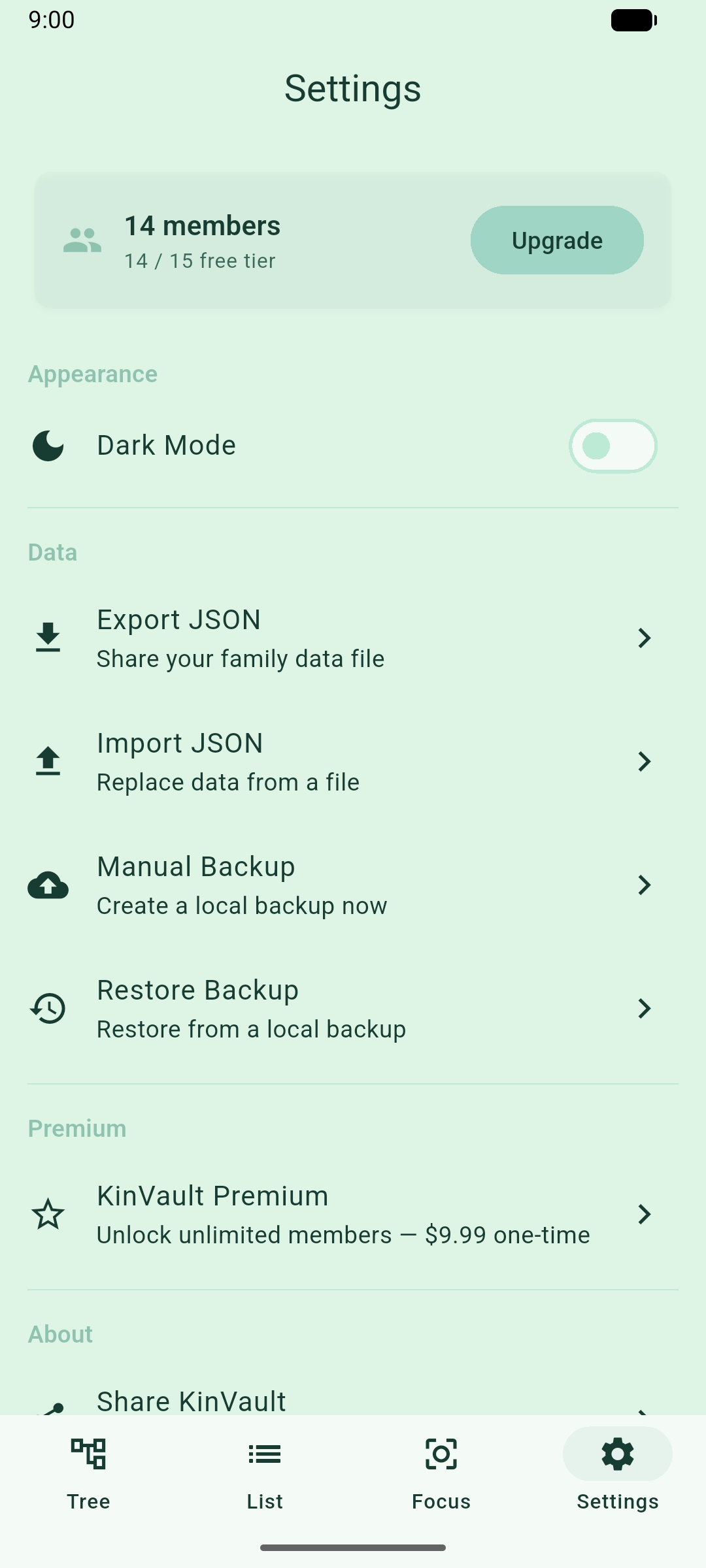
And settings is deliberately short, because there's no account to manage and no cloud sync to configure.
Decisions worth telling
Drawing the tree by hand
The tree canvas is a custom-built Flutter canvas, not an off-the-shelf tree widget. Genealogy layouts have to handle re-marriages, adopted children, and generations of uneven width without the diagram turning into spaghetti, and they need pinch-to-zoom and pan that feel native on a phone. Off-the-shelf tree widgets are built for org charts, where everyone has exactly one parent. That assumption breaks the moment a family tree has a marriage line. Owning the rendering meant owning the layout algorithm too, but it's the only way the canvas stays readable as a family grows past a dozen people.
Modeling Vietnamese kinship
Underneath the canvas is a relationship model built for how Vietnamese families actually describe themselves: marriages, biological children, in-law flags, birth order within a generation, and generation number as a first-class field rather than something inferred at render time. Birth order and generation matter because they're how relationships get named and addressed in Vietnamese, so the data model has to carry that information, not just a parent-child edge.
Backup without a cloud
Backup is export and import as plain files the user owns, no cloud account required to protect a tree someone has spent hours building. It isn't theoretical: every screenshot in this article was seeded into the app through that exact export/import flow, on a fresh install, which is as good a proof as I have that restore actually works.
Charging without tracking
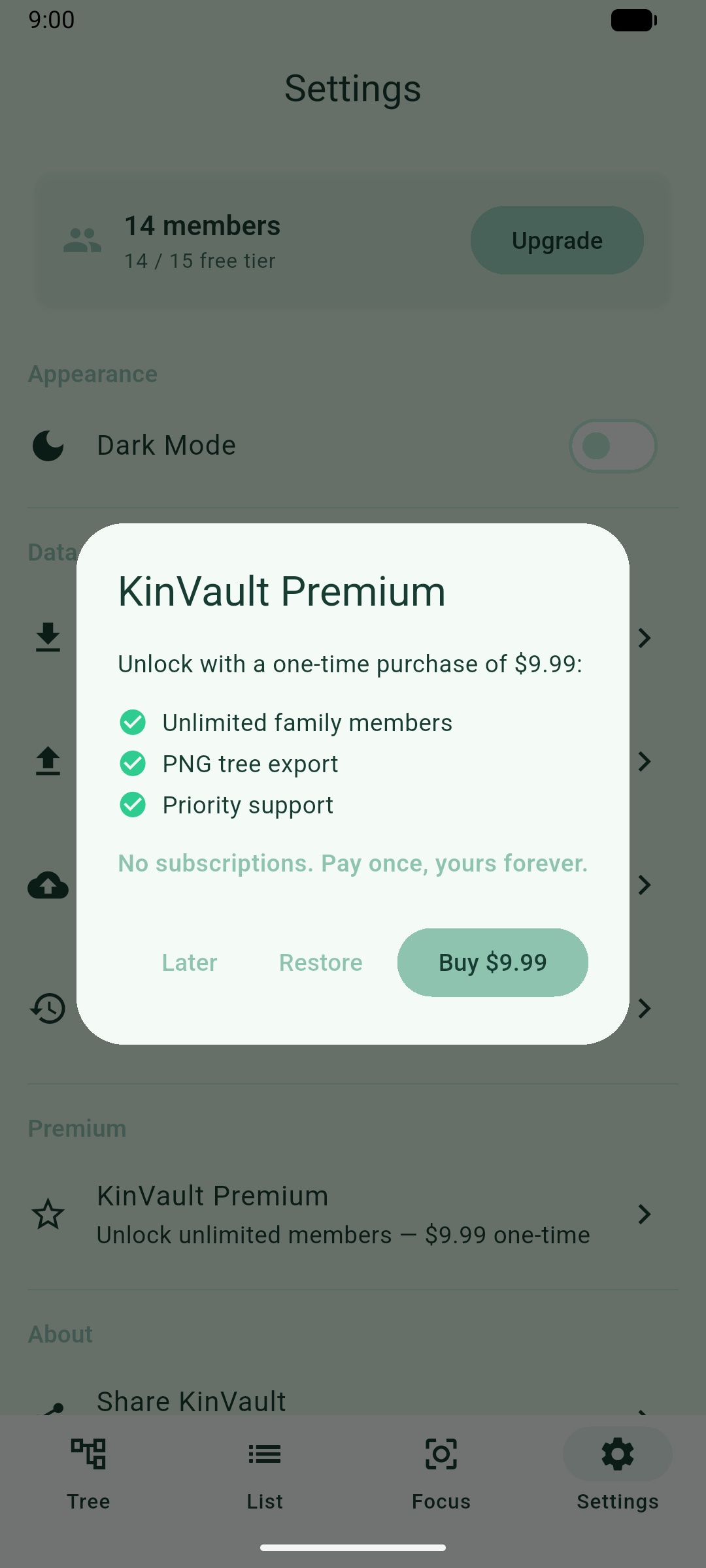
The free tier caps a tree at 15 people — enough for most households, tight for a real extended family. Past that, the app offers a paid unlock built on RevenueCat, worded plainly in the dialog: "Unlock with a one-time purchase of $9.99" for unlimited family members, PNG tree export, and priority support, with "No subscriptions. Pay once, yours forever." The purchase call is the only time the app talks to a server at all, and only because the user chose to buy something.
What shipped
KinVault is live on Google Play, v1.1.3. There's no ad network, no marketing push, and no download counter I'm proud enough of to print. I built it for my own family first, and everything since has been polish driven by actually using it.
What I'd do next: an iOS release, since half the family I built this for carries an iPhone, and richer export formats. Right now export is built for restoring into KinVault itself, not for opening in a spreadsheet or a genealogy tool someone already uses.